




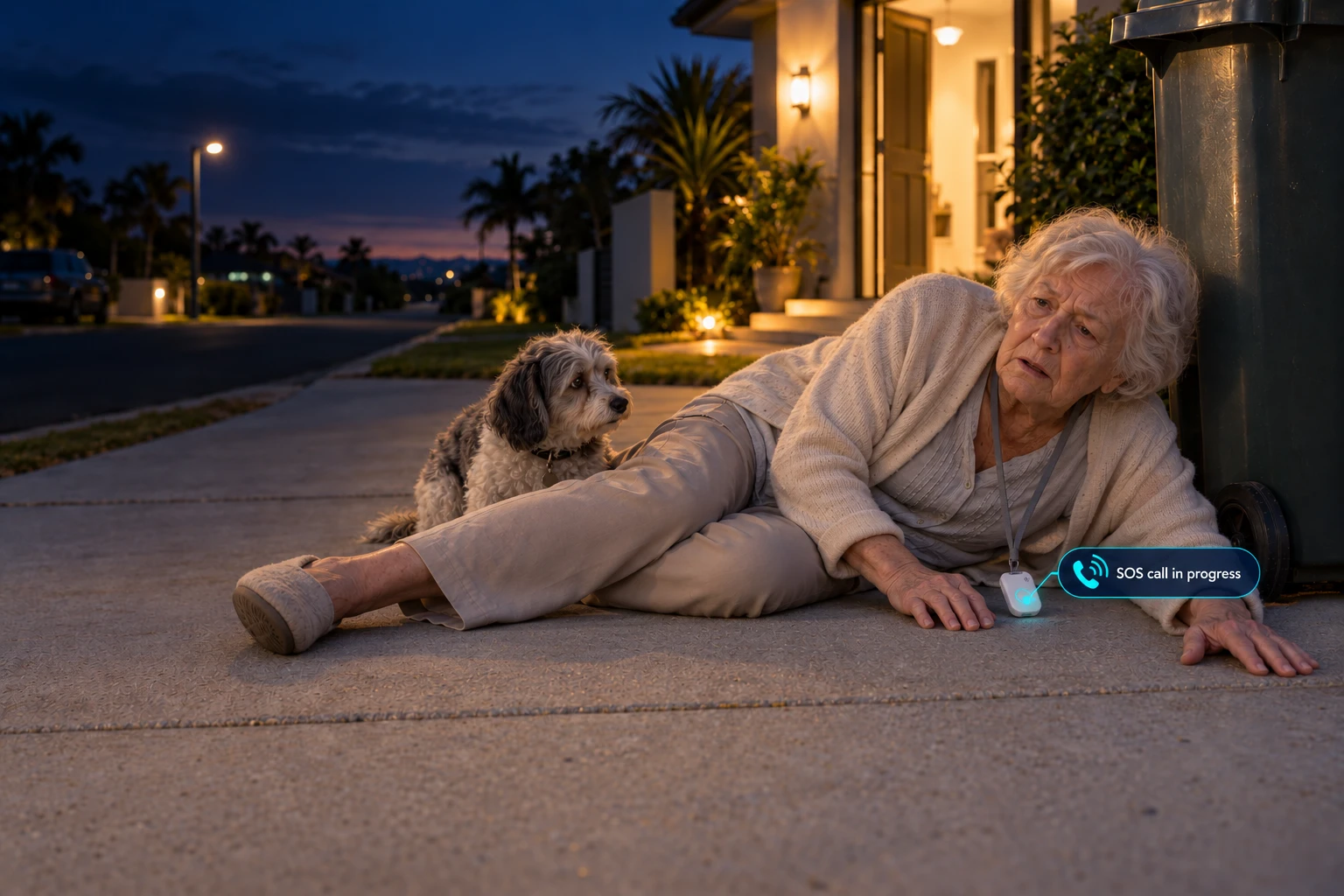
Personal alarms that call the people you choose.
Hold the button for two seconds and SOS Everywhere calls your chosen contacts in order. Talk through the device and check its location in the SOS Everywhere app. Talk through the device.
- 7:42:05 pmThe button is heldTwo seconds and the alarm is on. It sends where it is every 10 seconds for 10 minutes.
- 7:42:08 pmRinging Jo, first contactFirst on the list. If Jo doesn't answer in 15 seconds, it rings Mark, then Sue.
- 7:42:09 pmA text to all threeThey all have texts switched on. Each text starts with the name given to the pendant.
- 7:42:19 pmJo answersThey talk through the pendant. Jo sees the pendant's location in the app.
If they can't press it
It can sense a fall and ring the family by itself. No fall detector catches every fall, so the button is still the main way to call for help.
If you miss the call
We set it to ring the next person after 15 seconds, up to five times round a list of up to 10. Add 24/7 monitoring and it takes the call when none of the contacts answer.
If they're out and about
It has its own SIM on Telstra, Optus and Vodafone. Works on any Australian mobile network, everywhere there's mobile coverage.
 HomeFor home. One button that calls your family first.See SOS Everywhere for home
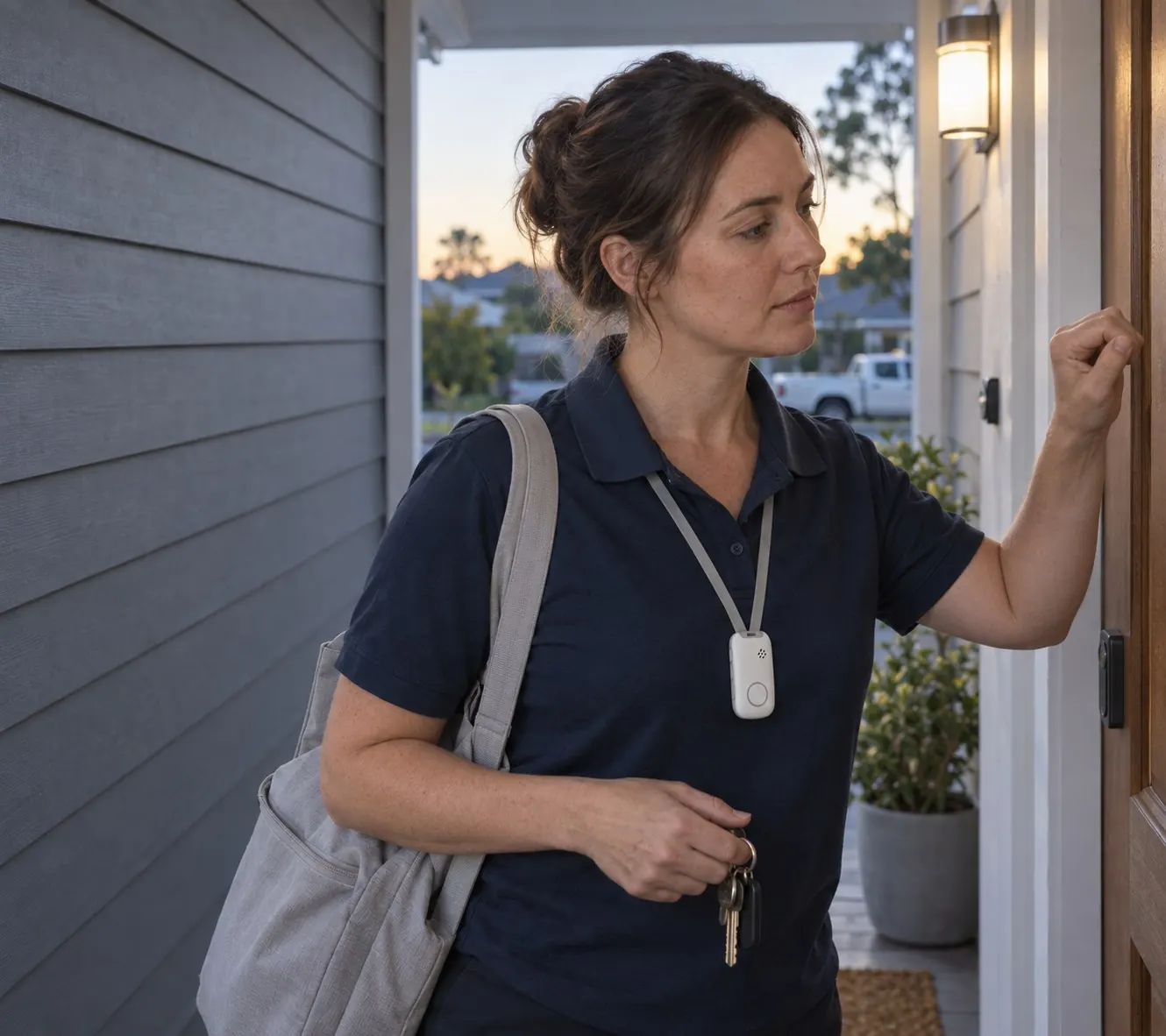 WorkFor your workers. Man-down alarms, location and a web dashboard, priced on a quote.See SOS Everywhere for Work
Pendant or watch. Same alarm, same app, same SIM.
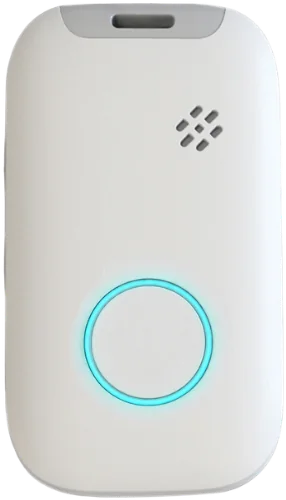

What happens when you hold the button?
SOS Everywhere rings the people you choose, in the order you set. No answer in 15 seconds, and it rings the next, up to five times round the list. No screen to read, nothing to unlock.
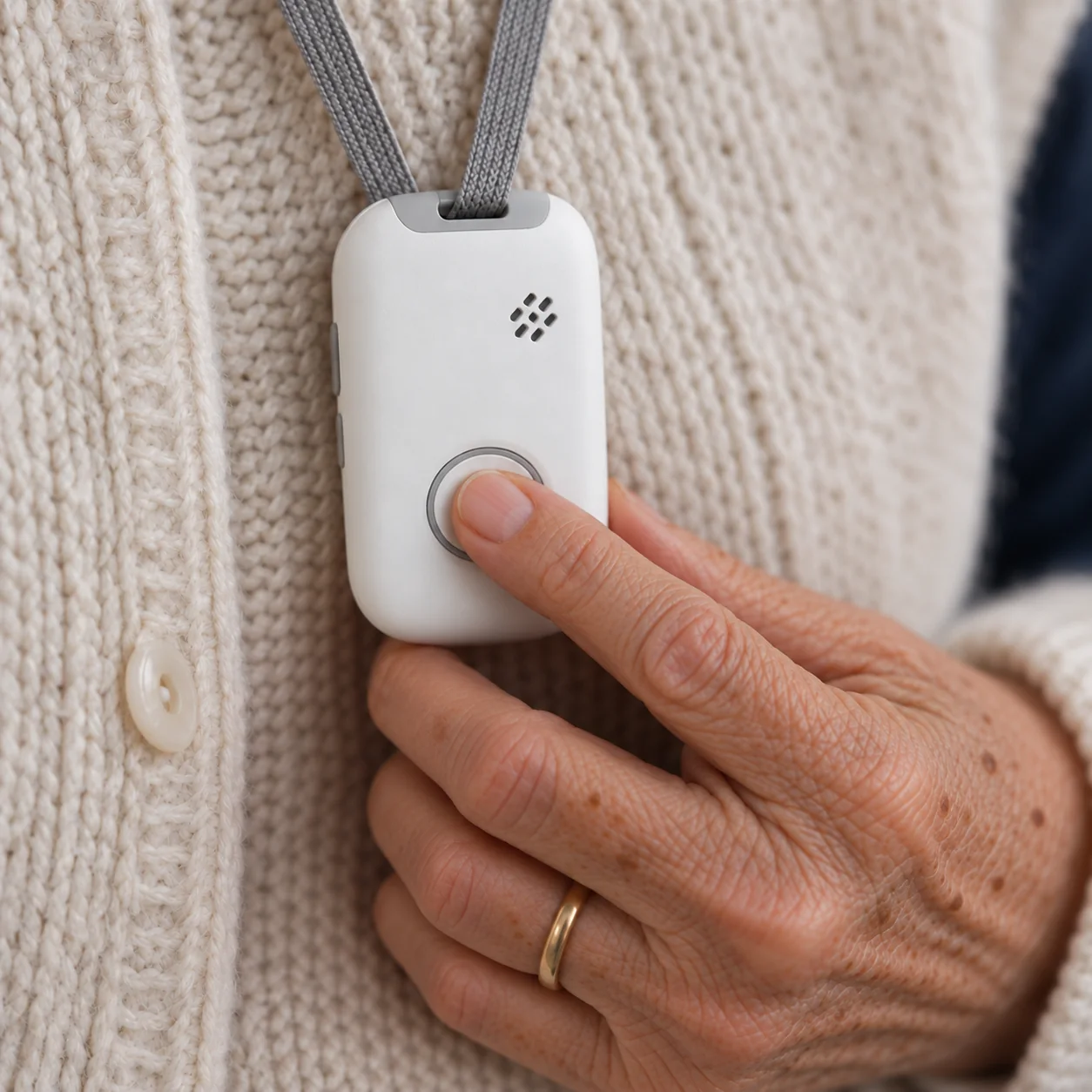
Step 1: You hold the button
For two seconds. SOS Everywhere starts ringing your people and sends where it is every 10 seconds for 10 minutes. In the shower, in the garden, at the shops.

Step 2: It rings your people in order
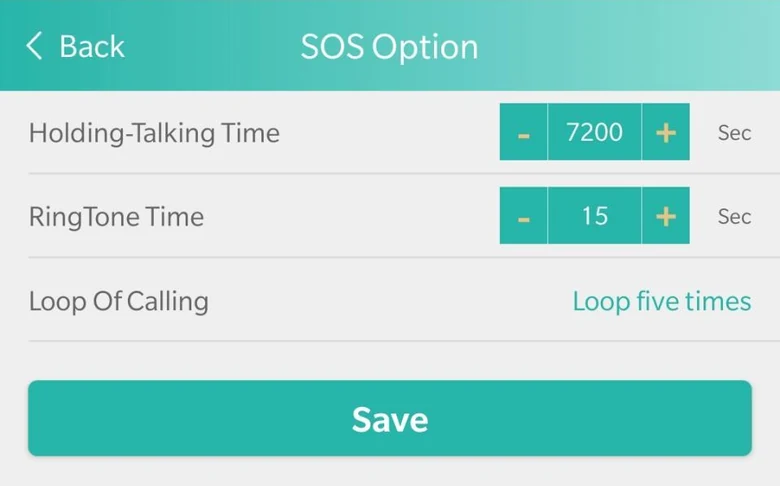
Up to 10 numbers, in the order you set. We set it to ring each one for 15 seconds, then the next, up to five times round the list. Anyone with texts switched on gets a text too.
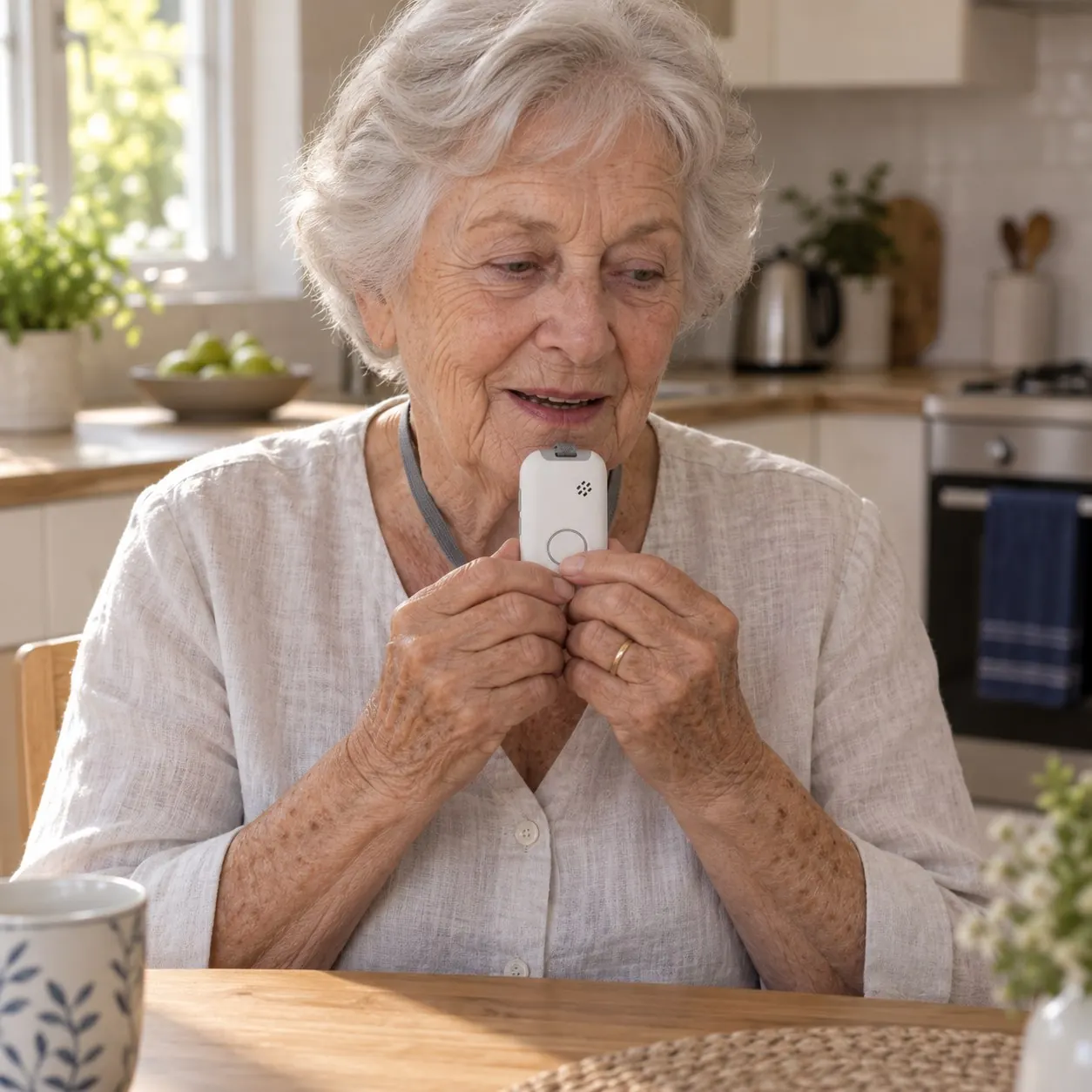
Step 3: You talk through the pendant
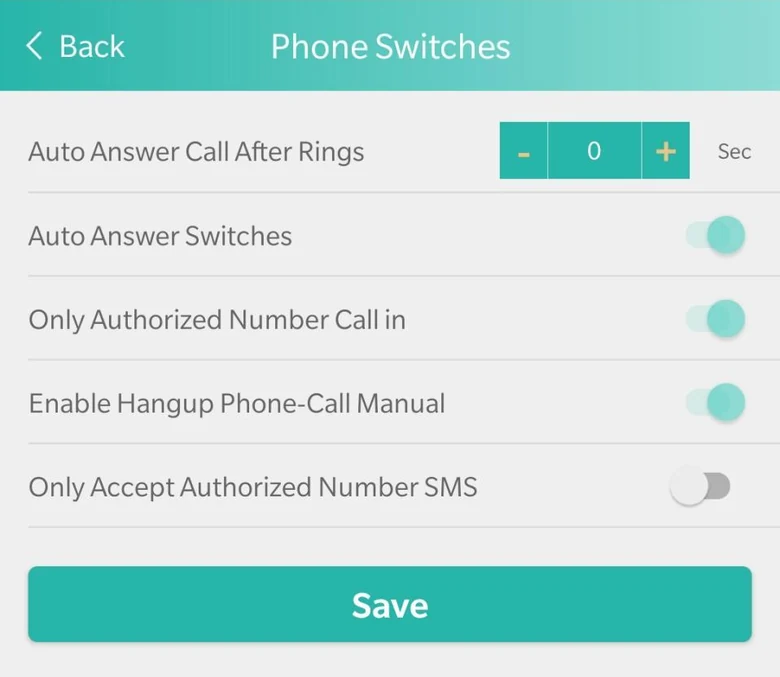
Whoever answers can hear you and you can hear them, through the pendant itself. People on your list can ring it back, and it can answer on its own.Whoever answers hears you through the pendant and you hear them. People on your list can ring it back.
Connected across the world.
SOS Everywhere devices use mobile 4G (VoLTE) networks in 59 countries. Select a highlighted country to see the supported carriers.
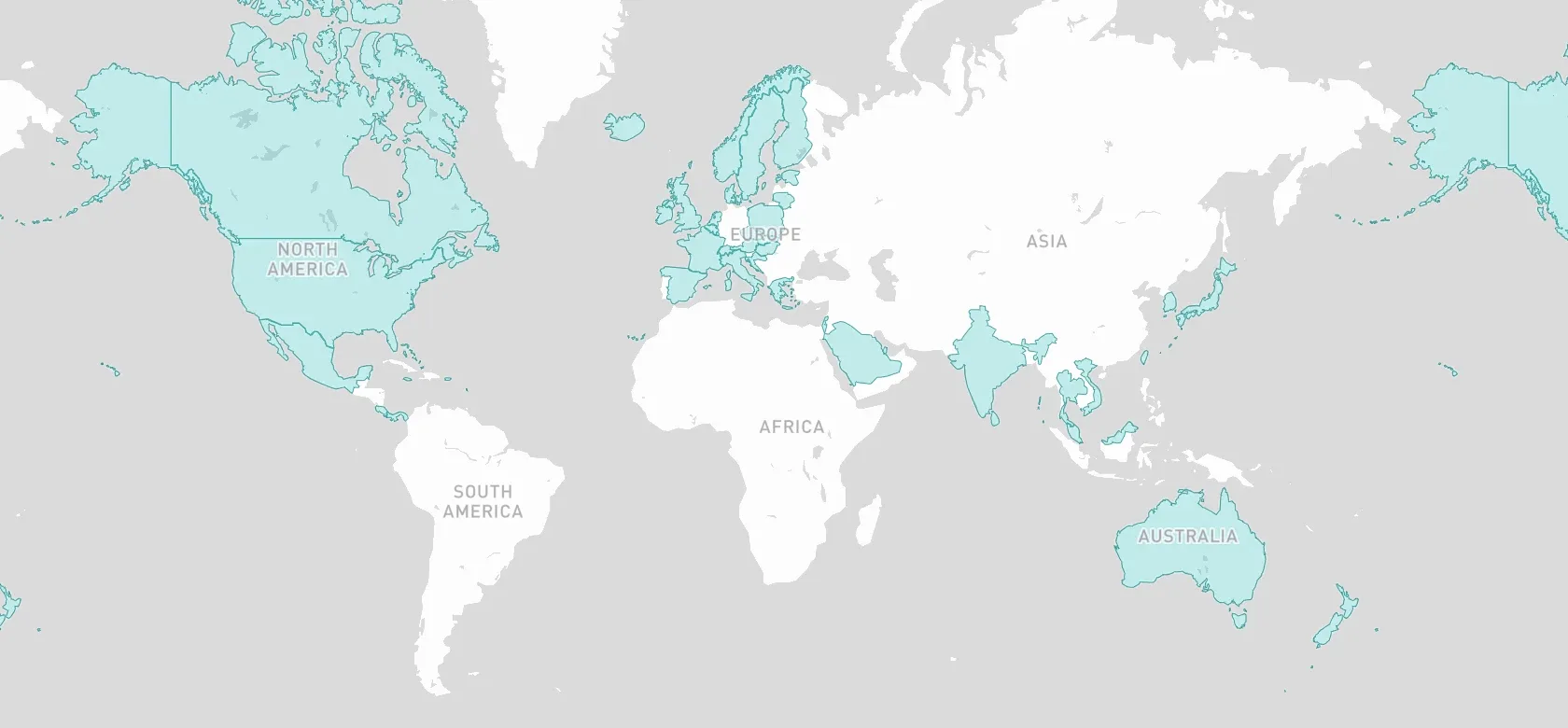
All 59 VoLTE countries and their live carriers
Coverage depends on the available mobile 4G (VoLTE) network in each country.
Your family answers first. 24/7 monitoring is there if you want it.
Up to 10 contacts in the order you choose, changed any time in the SOS Everywhere app. We set it to ring each one for 15 seconds, then the next, up to five times round the list. Add 24/7 monitoring for $40 a year, on the same pendant, and it takes the call when none of your contacts answer. Each number has its own call and text switch.
- JoBurleigh HeadsRings first
- MarkBrisbaneIf Jo doesn't answerRings second
- Suenext doorIf Mark doesn't answerRings third
- 24/7 monitoringOptional, $40 a year. Takes the call when none of your contacts answer.
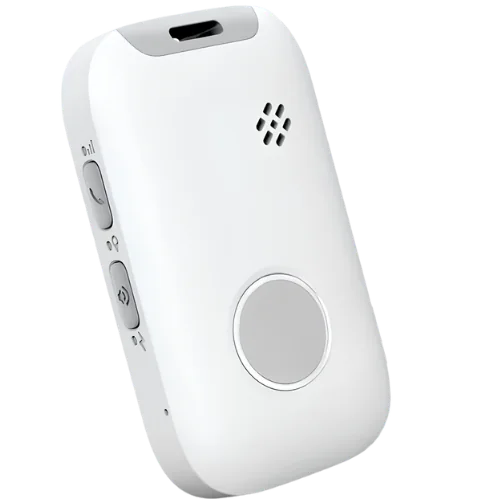
Small enough to forget. Charges overnight, magnetically.
Waterproof, so it stays on in the shower. Charges overnight on a magnetic cable that snaps onto the back, no fiddly plug. Tap a phone on the pendant and it says whose it is.
What's in the box
Everything, and 12 months of the service.- SOS Everywhere pendant
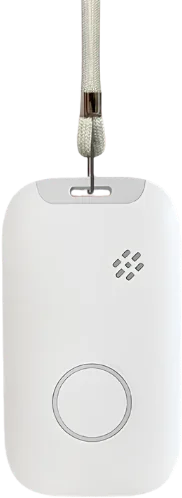 Lanyard
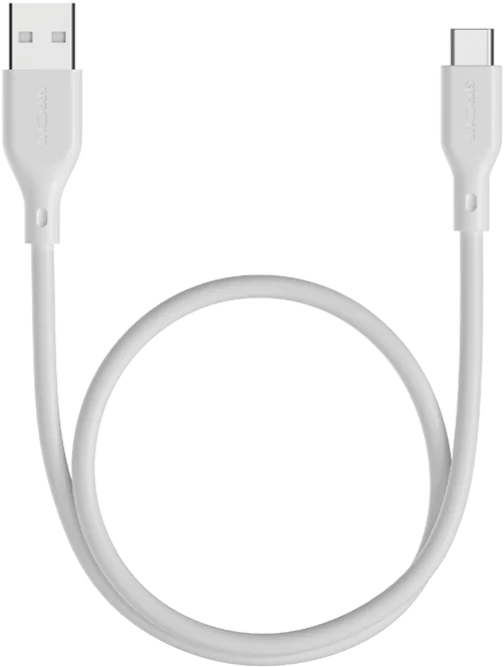 Magnetic charging cable and wall plug
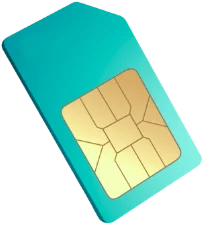 Nano SIM, installed, on our multi-carrier VoLTE network

Or wear it on the wrist.
The same alarm as a watch: one button under the screen, the time on the face, steps through the day, and a heart rate or oxygen reading when asked. Up to five days a charge. Cream, navy or black.
See the WatchContacts, alarms and every setting, in one app.Contacts, alarms and settings, in one app.
Included with SOS Everywhere, for iPhone and Android. We set up your login. Every setting is changed in the app, so nothing needs setting on the pendant itself.Included with SOS Everywhere. We set up your login. Swipe to see three of its screens.
See everything the app doesEvery setting in one place. Tap Find the Device and the pendant says "I'm here".Every setting in one place.
Look back at past alarms by type and date: SOS, low battery, safe zones, power off and more.Past alarms, by type and date.
Up to 10 contacts, called in the order you set. Each one gets a call, a text or both.Up to 10 contacts. A call, a text or both.
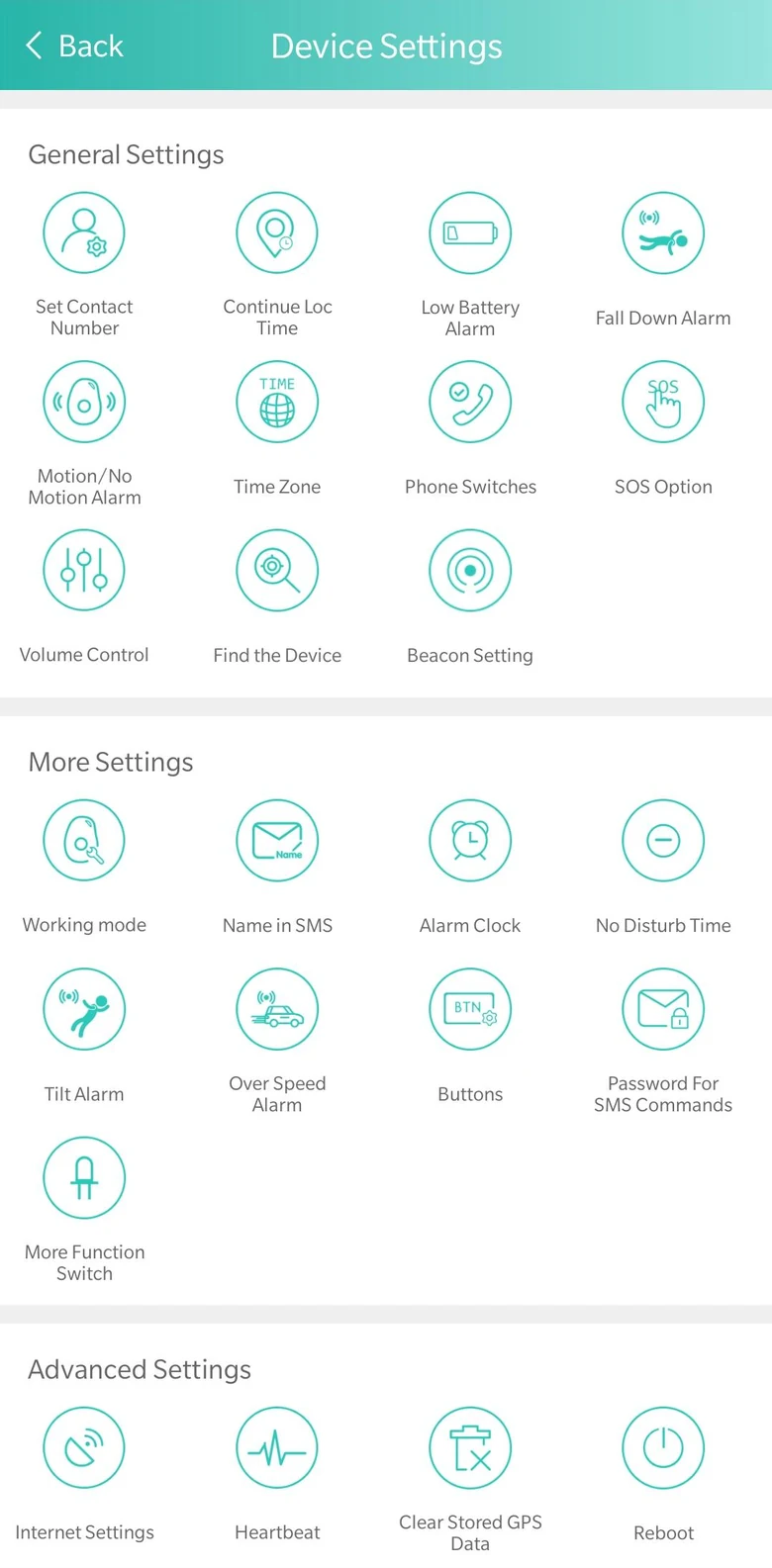
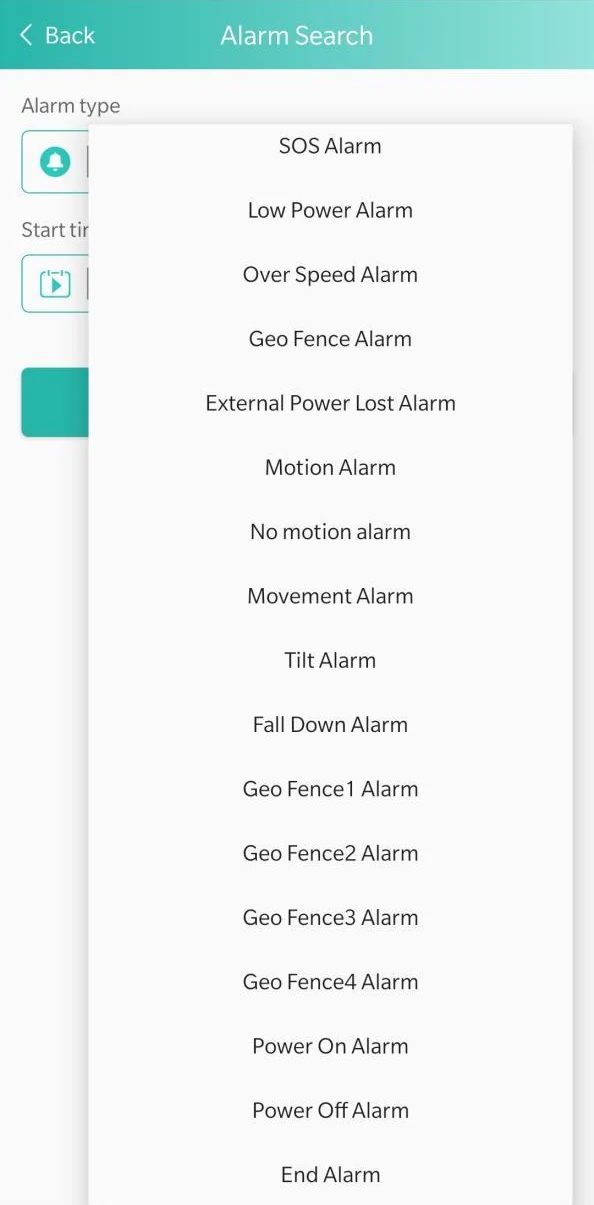
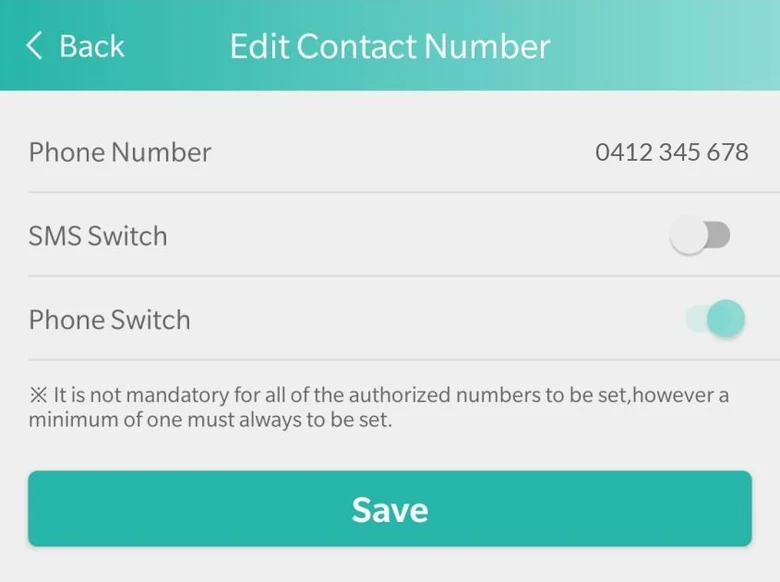
What you see and change in the app
Where a figure is a setting, we choose it. Settings are changed in the app, not on the pendant itself.- 15 sRings each contact for 15 secondsThen the next. It goes round the list up to five times, then stops. Both are settings we choose.
- 10Contacts, called in orderUp to 10, each with its own call switch and text switch. Change the order in the app.
- 10 sLocation during an SOSEvery 10 seconds for 10 minutes, as we set it. Otherwise every 10 minutes moving, every hour still.
- 7 daysLocation history in the appSearch up to 7 days of where it's been. The web dashboard searches longer ranges and exports to Excel or PDF.
- 4Safe zonesUp to four circles on the map. Each alerts when the pendant goes in, or when it comes out. For both, set two.
- 25%Two battery warningsAt 25% your contacts get a text. At 10% the pendant tells the wearer out loud.
- 15 minChecks in with the networkA heartbeat every 15 minutes, as we set it. The app and the web dashboard show whether it's online.
- 1 to 9Fall alarm sensitivityFrom 1, the least sensitive, to 9, the most. It can call your contacts when it senses a fall. No fall detector catches every fall.
Can I get it funded?
Often, yes. Each scheme works a little differently, and DVA uses its own suppliers. Each one has its own page, and the The 60-second check below tells you where to start.
- Support at HomeAssistive technology, through your provider. We send the quote and invoice.Assistive technology, through your provider.
- Home Care PackageUnspent package funds, through your provider.Unspent package funds.
- CHSPThrough Indigo's geat2GO platform, requested by an OT, physio or aged care assessor.Through Indigo's geat2GO platform.
- NDISLow-cost assistive technology: no quote or assessment. We send a coded invoice.Low-cost assistive technology.
- EnableNSWIn NSW, an occupational therapist requests it with our quote attached.In NSW, requested by an OT.
- DVAThrough DVA's contracted suppliers, on form D9199 from an OT, nurse or physio.Through DVA's contracted suppliers.
The 60-second check
Three questions. Nothing is stored.
He works alone. He's not on his own.
- 60 secof no movement can raise an alarm, or a time you set
- 10 secbetween location updates in an SOS, for 10 minutes
- 1web dashboard for all your workers: who's online, alarms, reportswho's online, the alarm list, reports
What people ask us first

For the days you can't be there.
SOS Everywhere $487, first 12 months included, with free shipping. We set it up and ship it, with the SIM already in.
Buy SOS Everywhere